ResizablePane
A named pane with a focusable divider. On Web, drag the divider or use its arrow keys. Enter collapses the pane and restores its previous size. The divider stays reachable while the pane’s contents leave the tab order.
React Native: no class in this look is Web-only, apart from 2 classes for a cursor or a CSS transition.
Screenshots on Android and iOS
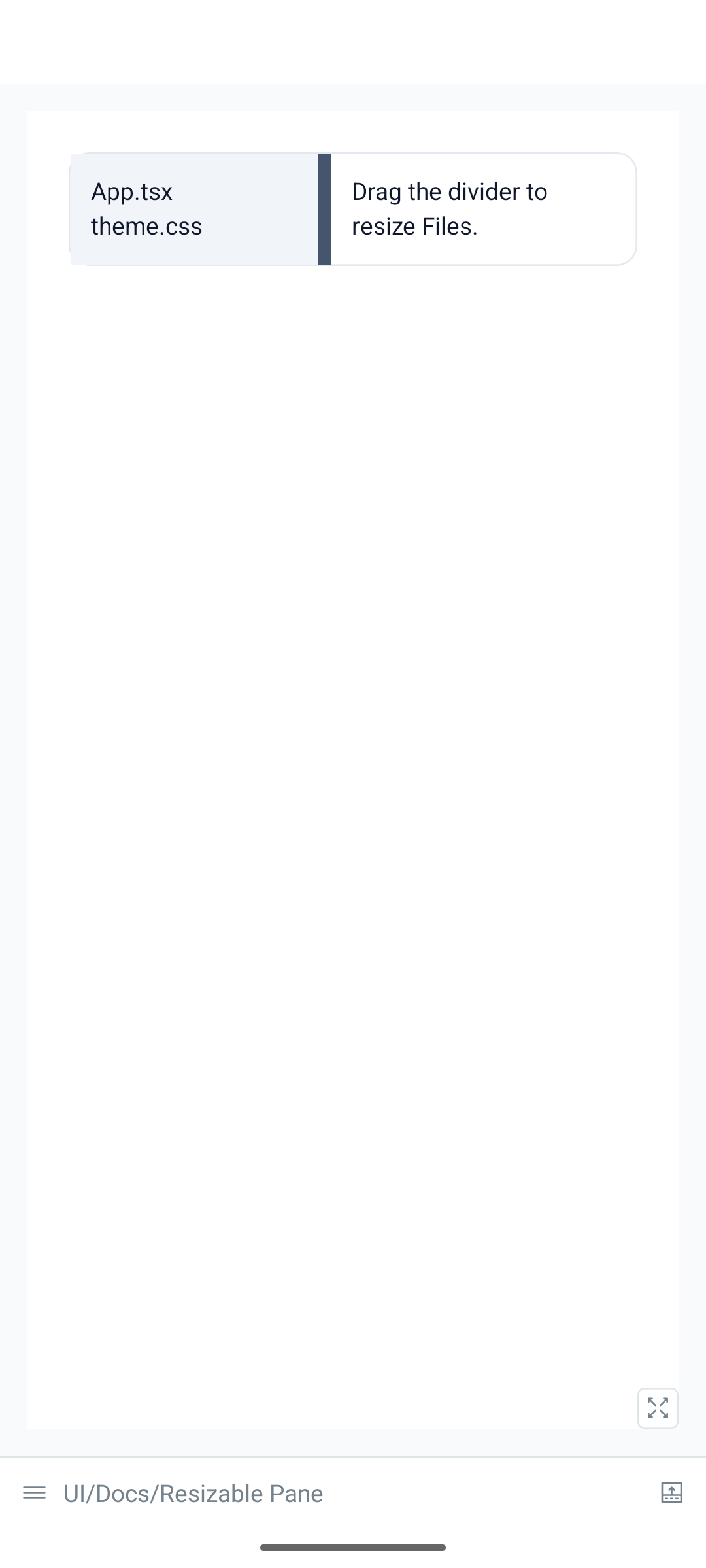
0cfc025)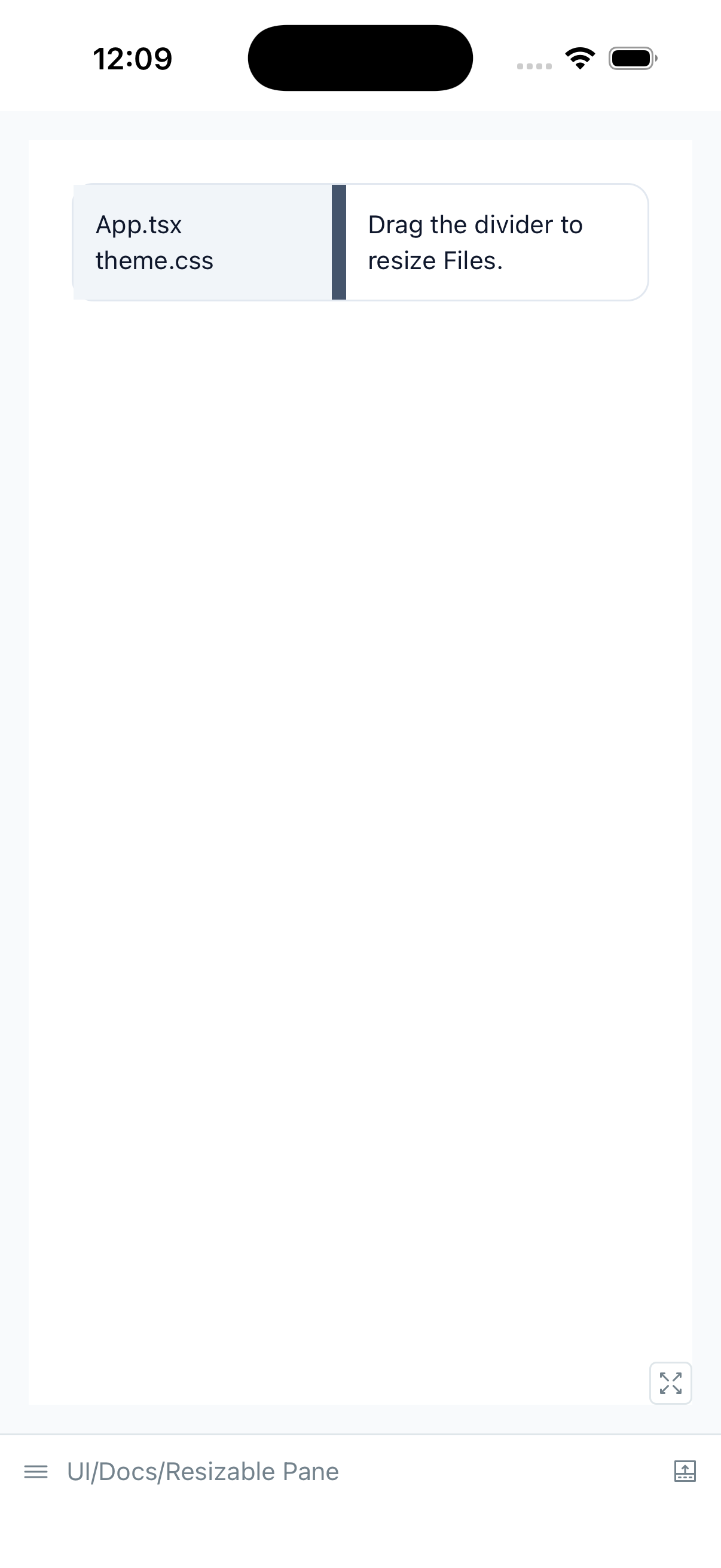
0cfc025)import { Text, View } from '@hozo/core'import { ResizablePane } from '@hozo/ui'export function ResizablePaneDemo() { return ( <View className="w-full flex-row rounded-hozo-surface border border-hozo-border"> <ResizablePane side="start" label="Files" min={96} max={240} defaultSize={144} collapsible paneClassName="bg-hozo-surface-raised p-3" > <Text className="text-sm text-hozo-text">App.tsx</Text> <Text className="text-sm text-hozo-text">theme.css</Text> </ResizablePane> <View className="min-w-0 flex-1 p-3"> <Text className="text-sm text-hozo-text">Drag the divider to resize Files.</Text> </View> </View> )}side:start,end,toporbottom. Start and end follow the writing direction.label,min,max, anddefaultSize(or controlledsizewithonSizeChange).stepdefaults to 8. Shift+Arrow and PageUp/PageDown usebigStep, default 32.largeStepis an alias;bigStepwins if both are supplied. Home/End reach the bounds.collapsible,collapsedSize(default 0),collapsedandonCollapsedChange.onSizeChangeruns during a drag, at most once per animation frame.onSizeCommitruns on release, each handled key and collapse/restore. Cancelled drags restore their starting size and callonSizeCancel, without committing.valueTextsupplies the spoken size; the default is “144 pixels”, translated through Hozo’s i18n connection. Sizes are platform layout units.paneClassNamestyles the pane,handleClassNamethe divider andclassNamethe wrapper.
The unstyled @hozo/patterns versions have the same API. Splitter exports the
divider alone: supply controls with the pane’s id and manage hiding its content
when collapsed. It takes side, or orientation (vertical by default).
On Native, dragging and the screen reader’s increment/decrement actions resize the pane. A custom Collapse/Expand action toggles it. Native hardware keyboard commands are not implemented. This layout is primarily useful on tablets, foldables and wider screens; a phone sidebar need not be resizable.
Persistence belongs to the application: save in onSizeCommit and pass the saved
value as defaultSize. Hozo reads no storage. Physical-device and screen-reader
speech validation are still pending.